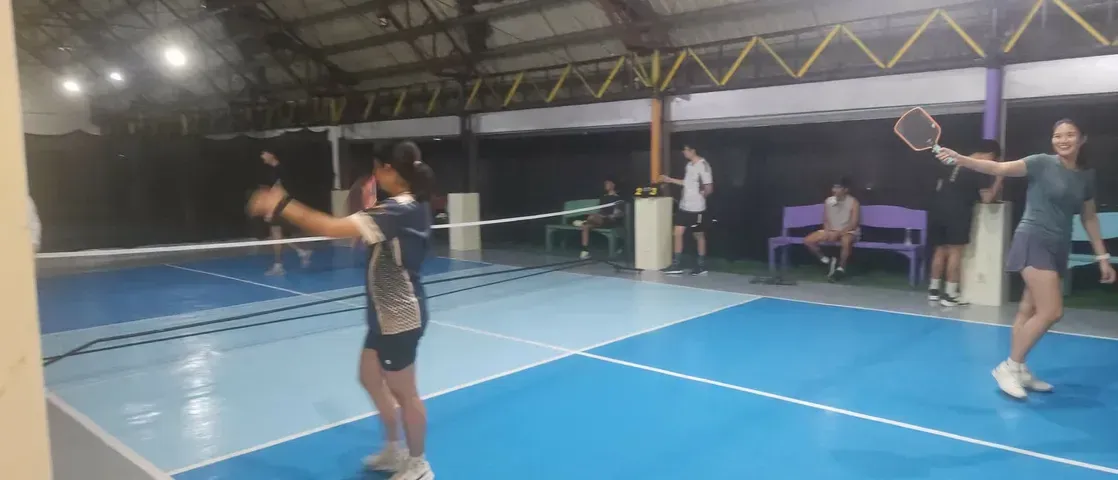
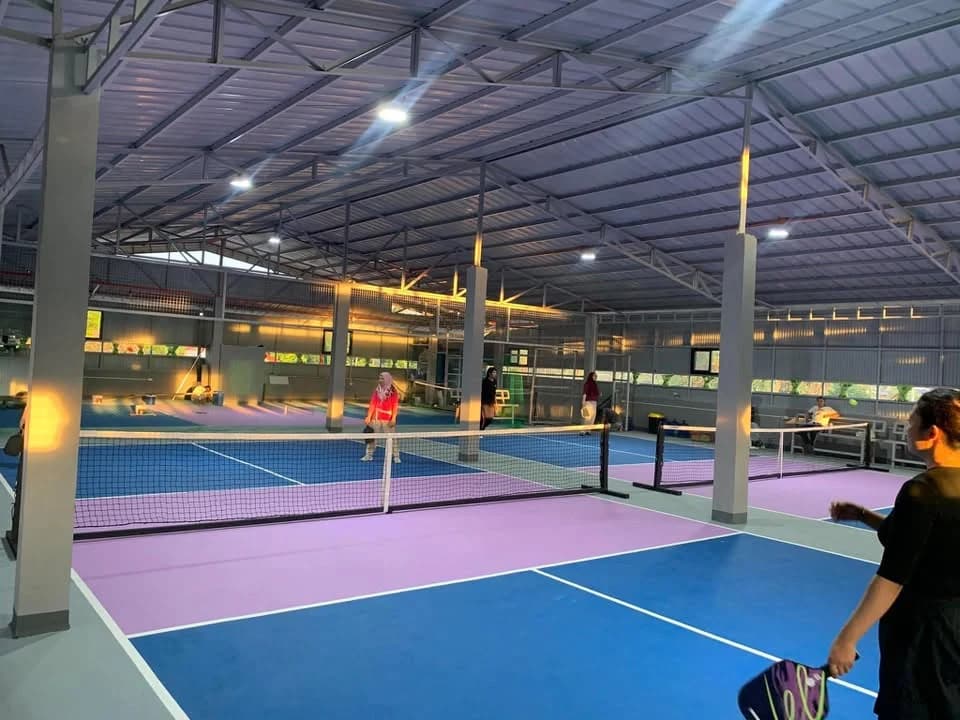
Your court
is waiting.

106 court-hours open on Monday. Pick a slot, scan the QR Ph code with GCash, Maya or any bank app, play.
GameQ New
Free court rotation for your open play. No sign in.
How it works
From your club to the court to the game.
All on OpenCourt. Your club hosts the open play on any court, players pay when they join, and GameQ runs the games on every phone and the court's TV.
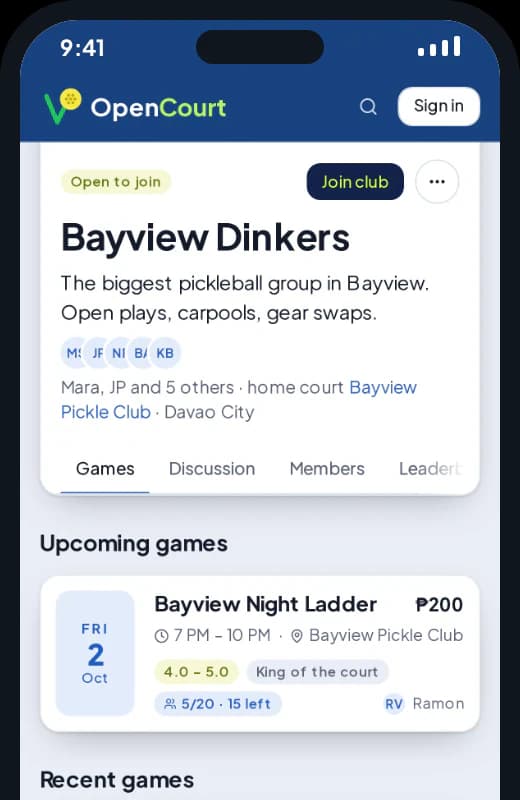
Step 2
Host the open play
As the club, on any court, booked here or not. Members first or open to all.
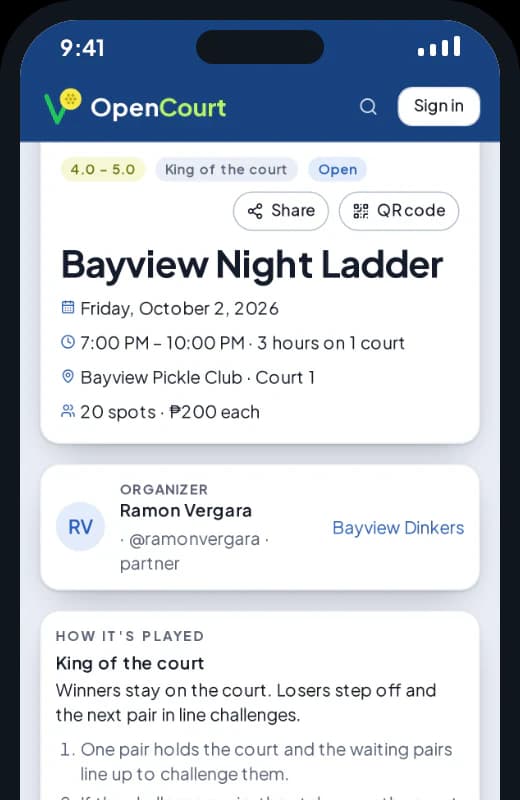
Step 3
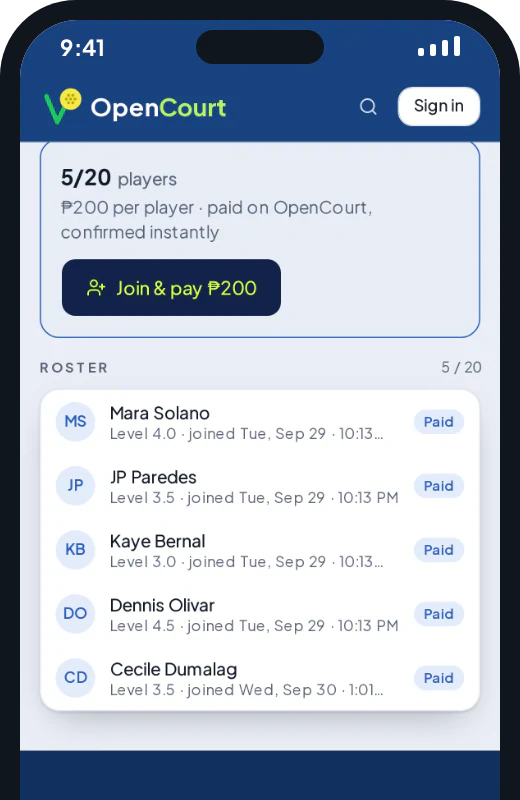
Players pay when they join
QR Ph at checkout. Only paid players take a spot, no chasing at the court.
Step 4
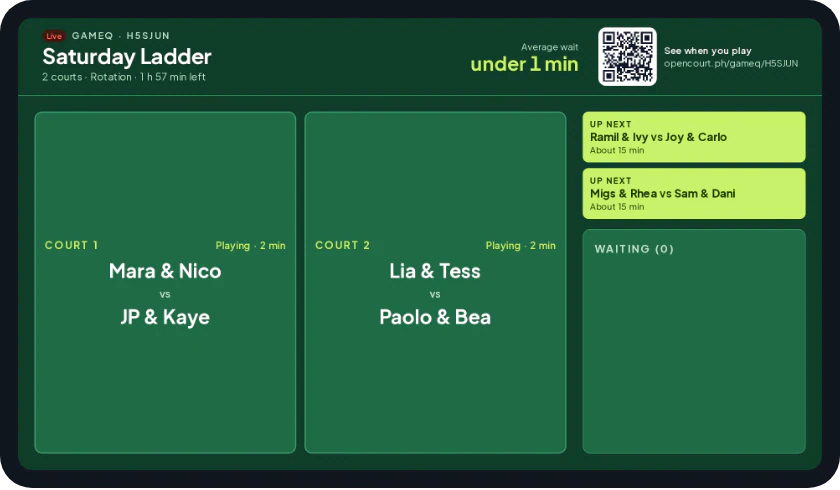
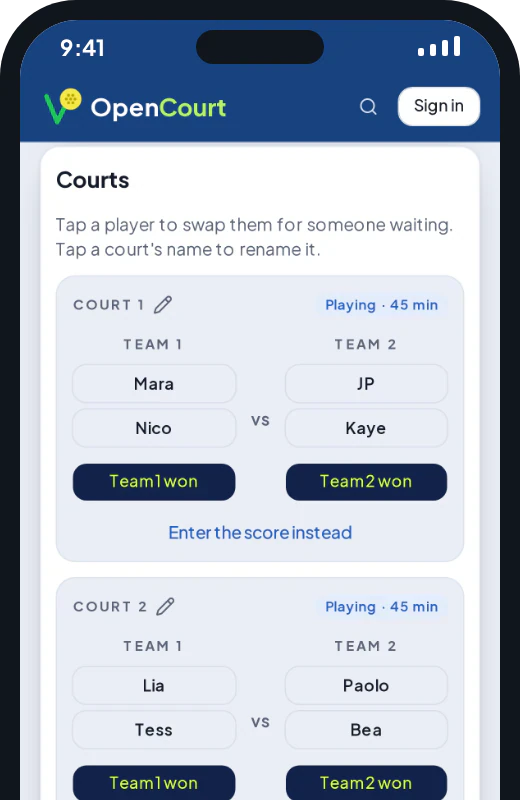
Run the games on GameQ
The paid roster is already in. Tap who won and the next game is ready.
Step 5
Know when it's your turn
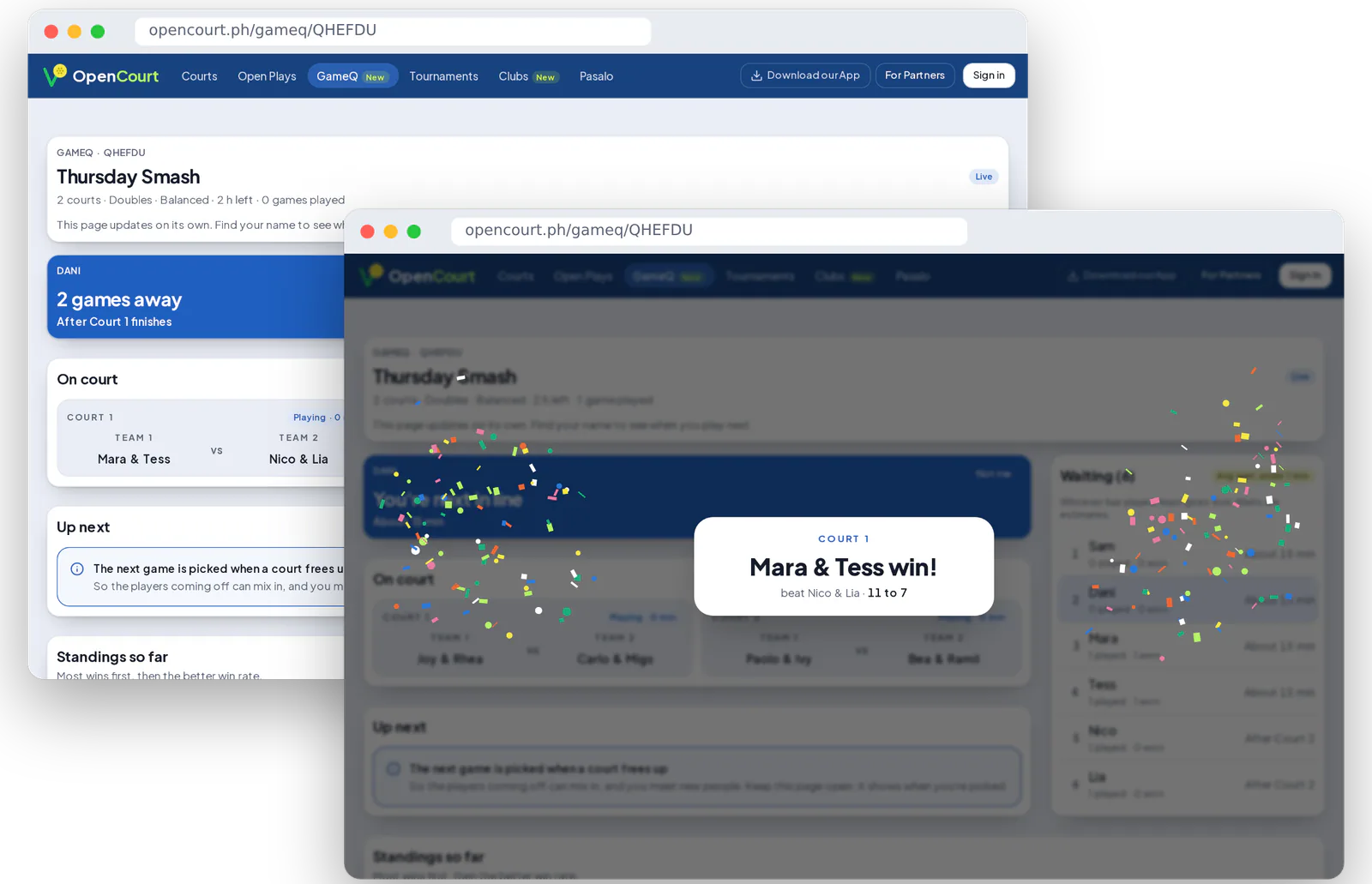
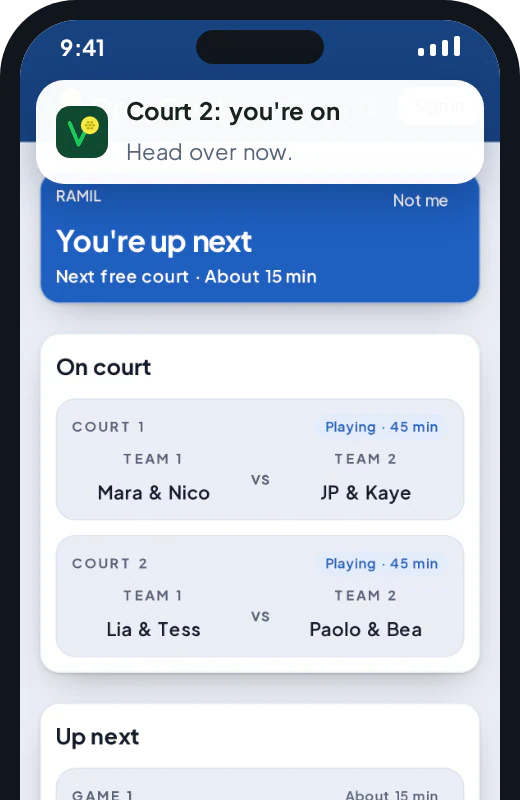
Every player sees when they're up on their phone or laptop, then a buzz that says which court. Every win pops up there too.
Step 6
Put it on the TV
Courts, up next and the line on any TV at the venue.